My Organization
My Organization
Overview
The My Organization section allows administrators to configure the details of their organization within the eCatalog Administration Portal. From here, you can update company information, manage contact details, and maintain organizational records that are used across the platform.
Accessing My Organization
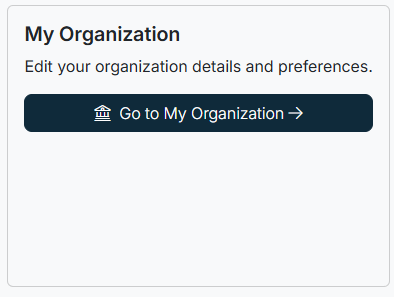
- From the top navigation bar, click My Org.
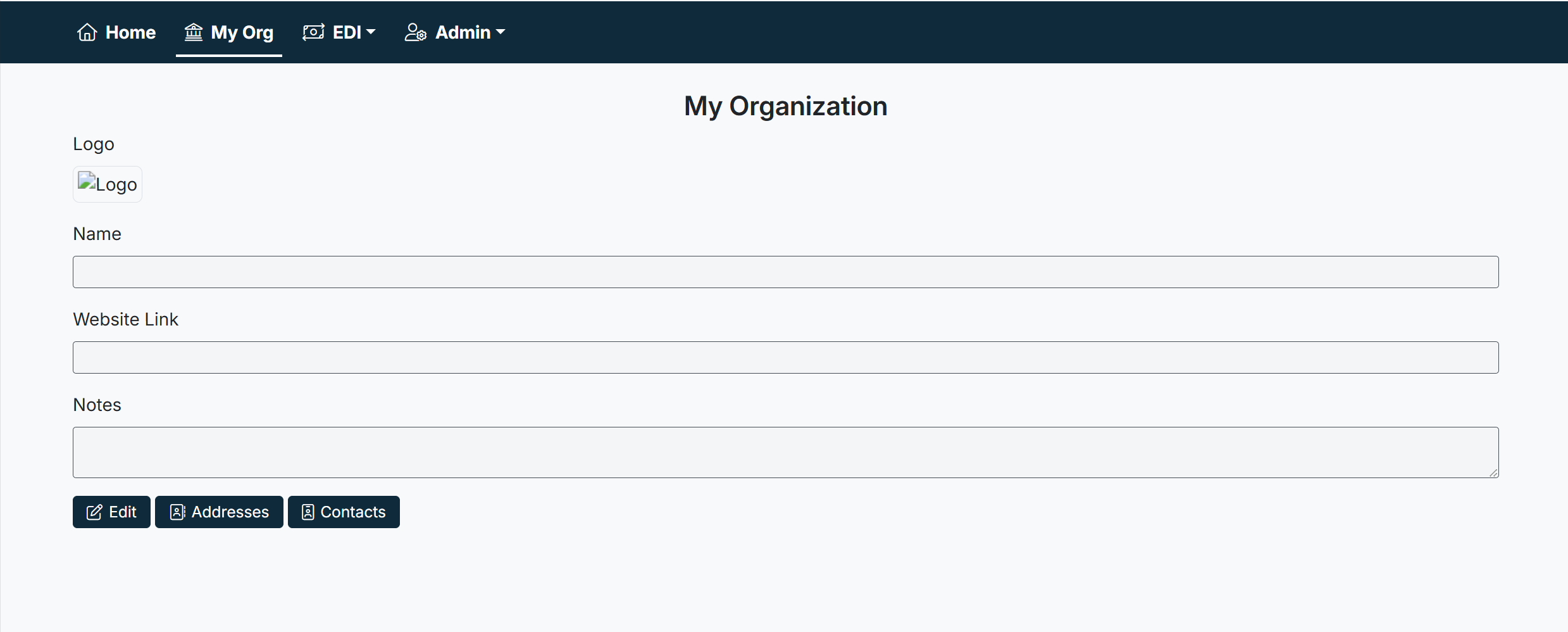
- The My Organization screen will display, showing editable fields and management options.
Updating Organization Details
- Logo → Upload or update your company logo. The logo appears in customer-facing areas where supported.
- Name → Enter or update your organization’s legal or trading name.
- Website Link → Add a link to your organization’s website (optional).
- Notes → Use this field for internal notes or special instructions.
To save changes:
- Click Edit.
- Update the required fields.
- Select Save to apply changes.
Managing Addresses and Contacts
At the bottom of the screen, additional options allow you to manage related data:
- Addresses → Maintain business addresses associated with your organization (billing, shipping, headquarters, etc.).
- Contacts → Add or update contact persons, including names, roles, and communication details.
Best Practices
- Keep your organization name and website link up to date, as these may appear in vendor- or customer-facing areas.
- Use the Notes field for operational details or reminders visible to other admin users.
- Ensure at least one contact person is always up to date for support and customer communication.
Troubleshooting
- Unable to save changes? Ensure all mandatory fields are completed before saving.
- Logo not displaying? Confirm the image file meets size and format requirements (e.g., JPG or PNG).
- Changes not visible to others? Log out and back in, or clear your browser cache.
Created with the Personal Edition of HelpNDoc: Effortlessly optimize your documentation website for search engines